Controls
Use your mouse and click on the objects on screen to interact with them
Use your mouse and click on the objects on screen to interact with them
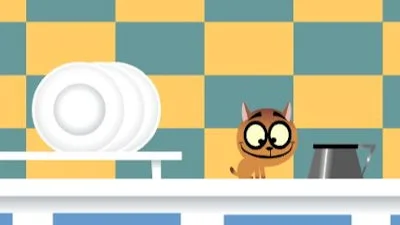


Ever wanted to feel the frantic rush of a cat on a milk‑fueled mission? The Milk Quest drops you into a cute world where every click could mean the difference between a dry tongue and a milk‑splashed victory. Play as a tiny furball with a single obsession: snagging that creamy prize. Obstacles? Puzzles? Distracting toys? All of it crumbles when you keep your eyes on the prize. This isn’t just another Flash title—it’s a relentless, brain‑teasing sprint that rewards quick wit and sharper reflexes. If you love point and click challenges that feel both nostalgic and fresh, the quest is yours to claim.
Controls are stripped down to pure interaction. Use your mouse and click on the objects on screen to interact with them.
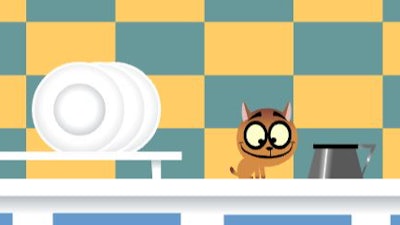
Winning isn’t about brute force; it’s about thinking three steps ahead. First, scan each room for hidden items—tiny milk bottles, stray yarn balls, and sneaky levers often hide in plain sight. Second, prioritize puzzles that unblock the biggest milk source. A broken faucet might look useless, but fixing it opens a cascade that floods the whole level. Third, manage your inventory. Carrying too many trivial objects slows you down; drop the fluff and keep the milk‑related gear. Finally, watch the timer. Each level imposes a soft deadline, pushing you to solve puzzles faster than a cat chasing laser dots. Master the rhythm, and the milk flow becomes unstoppable. Juegos designed this experience to keep you hooked, so expect new obstacles to appear as you progress, each demanding a fresh combo of logic and speed.
Hungry for that creamy finish? Jump into The Milk Quest now and prove you’ve got the paws‑itively sharp mind to claim every drop. Juegos delivers the perfect blend of nostalgia and fresh challenge—don’t let this kitten’s thirst go unanswered.
Use your mouse and click on the objects on screen to interact with them