Click to play
x
Controls
Orbit Hops


















Click to play
This game is not available on mobile.

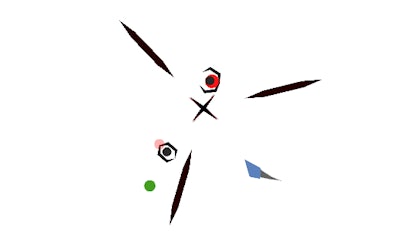
Orbit Hops throws you into a relentless arena where every second counts. As a sleek 2D shape, you dodge orbiting projectiles and linear threats that flood the screen. The goal? Stay alive as long as possible while the difficulty ramps up. If you love quick reflexes and a high‑skill payoff, this arcade‑style test will keep you glued.
Control is simple, but mastery is brutal. Left‑click on the left side of the screen to steer left, and left‑click on the right side to steer right. The object moves in four directions—up, down, left, and right—allowing you to weave through a barrage of obstacles.
Winning isn’t about luck; it’s about timing and positioning. Start by staying near the center; this gives you the most room to react when new obstacles appear. Avoid the outer ring where projectiles tend to cluster. When a wave of linear rockets launches, jumping between vertical lanes can buy you precious milliseconds.
As the game progresses, patterns become more difficult. Notice the rhythm of orbiting hazards—they circle at predictable speeds. Use that knowledge to slip through the gaps. Keep an eye on the color cues; red objects indicate a fast‑approaching threat, while blue ones move slower.
Skill shines when you combine two moves: a quick swerve followed by a sudden upward dash. This combo lets you bypass dense clusters that would otherwise trap you. Practice the timing of your clicks; a mistimed press can send you straight into an obstacle.
Every successful run rewards you with a score multiplier. The higher the multiplier, the more points you earn for each avoided projectile. Push your limits, but never sacrifice safety for a higher streak. Consistency beats reckless high‑risk plays.
Feel the rush, sharpen your reflexes, and dominate the leaderboard. Jump straight into the action on Orbit Hops and see why this title is a flagship release from Juegos.


































