Controls
- WASD: move
- Left mouse button: fire
- Right mouse button: aim
- Space bar: jump
- F: pick weapon/ use item
- Tab: pause
- Number keys: switch weapon
- C: switch between third-person and first-person view
- Ctrl: crouch


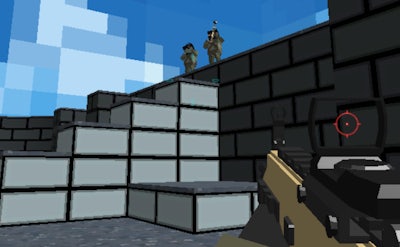
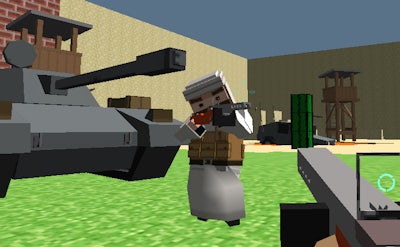
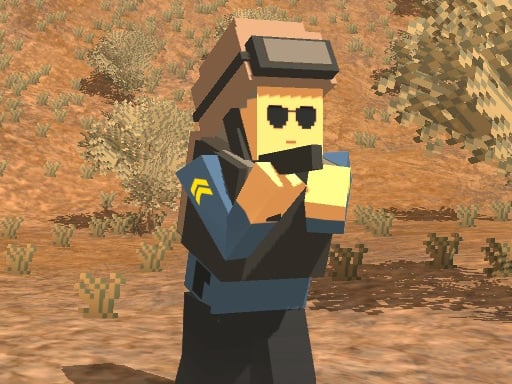
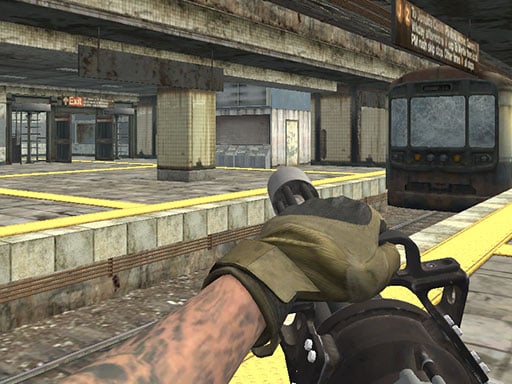
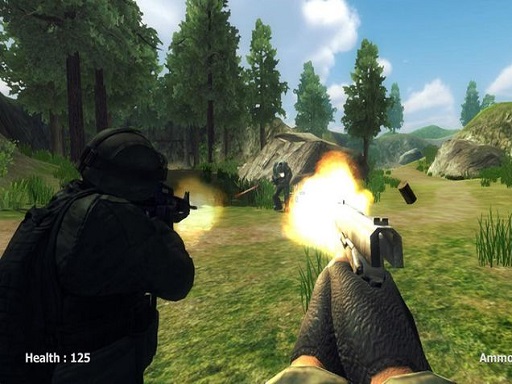
Get ready to join the fight in Heavy Combat, a heart-pumping, action-packed third-person shooter experience from Juegos. As an elite mercenary, you've been tasked with taking down a group of ruthless terrorists who have taken over three major locations in the city.
With a wide range of high-tech guns at your disposal, from pistols to machine guns, you'll need to use your skills and strategy to outsmart and outmaneuver your enemies. But be warned: these terrorists won't go down without a fight, and you'll need to be quick on your feet and sharp with your reflexes to come out on top.
So, what can you expect from the gameplay in Heavy Combat? The controls are simple yet intuitive, allowing you to focus on the action:
With these controls at your fingertips, you'll be able to execute slick movements, dodge enemy fire, and take down your targets with precision. But don't get too comfortable – the terrorists are always adapting, and you'll need to stay one step ahead if you want to succeed.
Want to take your skills to the next level? Check out the Juegos website for more information on Heavy Combat and other game titles.
So, are you ready to join the fight and experience the chaos of Heavy Combat for yourself? Download the game now and get ready to unleash mayhem on the city!