Controls
- WASD or arrow keys to drive the tank
- Left click to shoot
- Shift to use turbo
- Space bar to jump
- M to mute audio
- P to toggle PostFX (optimization)
- Enter to chat
- Esc or ~ to open menu
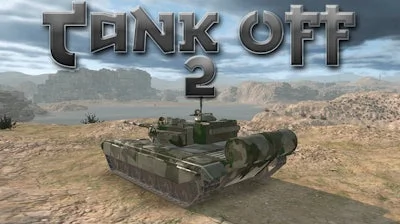


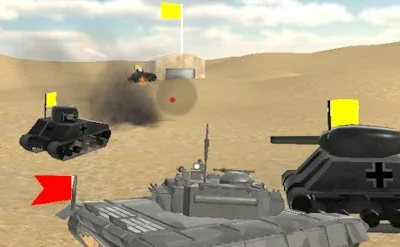
Experience the thrill of commanding a behemoth on the battlefield in Tank Off 2, the ultimate sequel to the original tank game. This 3D multiplayer game drops you into the midst of a war, where strategy and skill are key to victory. You'll be navigating your tank across stunning water-crossing maps, trying to outmaneuver and outgun your opponents. At Juegos, we're committed to delivering top-notch gaming experiences, and Tank Off 2 is no exception.
Mastering your tank is crucial in Tank Off 2. Here are the essential controls to get you started:
As you engage in fierce battles with friends and foes, you'll need to develop strategies to outsmart your opponents. Focus on controlling key areas of the map, protecting your team's flag, and coordinating attacks with your teammates. With each match, you'll earn experience and improve your skills, making every battle a test of endurance and strategy. The Juegos team has crafted an immersive experience that will keep you coming back for more.
Ready to put your tank-driving skills to the test? Visit Tank Off 2 now and join a community of gamers who crave realistic 3D battles. At Juegos, we're passionate about delivering exceptional gaming experiences. Explore our site at Juegos to discover more thrilling games like Tank Off 2, and get ready to immerse yourself in a world of war, water, and adrenaline-fueled action.