Master the Chaos in Zrist
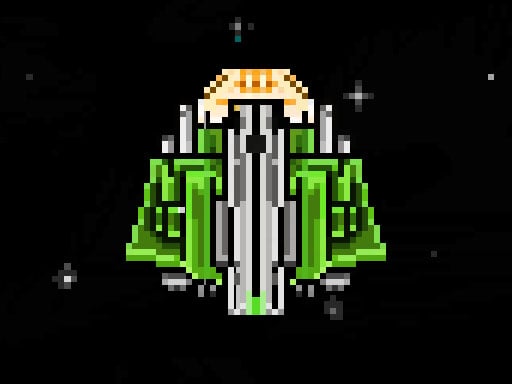
Survival isn't just about speed; it is about adaptation. In Zrist, the rules of the game change while you are mid-run. This is not your typical 2D platformer where you learn a pattern and repeat it. Here, the environment shifts, forcing you to rethink every single move. It is a high-stakes arcade experience designed to test your reflexes and your mental grit. If you thrive on endless challenges and punishing difficulty, this pixel art masterpiece is built for you. Experience the pure, unadulterated tension of a running game that refuses to let you get comfortable.
Zrist Controls and Mechanics
The gameplay is streamlined for maximum precision. Whether you are playing on a high-end PC or a mobile device via Android, the responsiveness is key to staying alive. You must master two primary actions to navigate the retro obstacles appearing in your path. Every millisecond counts when you are trying to survive the next wave of hazards.
- Desktop -X or Left Click to Jump
- Desktop -C or Right Click to Slide
- Mobile -Touch Right to Jump
- Mobile -Touch Left to Slide

Winning Strategies on Juegos
To climb the leaderboards, you need more than just fast fingers. Since this is a 1 Player action title, your biggest enemy is your own muscle memory. Because the rules shift constantly, you cannot rely on a single rhythm. Watch the screen edges to anticipate upcoming changes in physics or obstacle patterns. On the HTML5 engine, the frame-perfect timing is essential. We recommend starting with short bursts of focus. Don't try to predict the long-term path; instead, focus on the immediate obstacle and react to the rule change the moment it hits. This level of concentration is what separates casual players from the pros on Juegos.
Stop making excuses and start testing your limits. The obstacles are waiting, and the rules are about to change again. Play Zrist right now and see how long you can actually last in the madness.
Desktop -X or Left Click to Jump -C or Right Click to Slide Mobile -Touch Right to Jump -Touch Left to Slide