Master the Heights in Sky Stunt 3d 2021
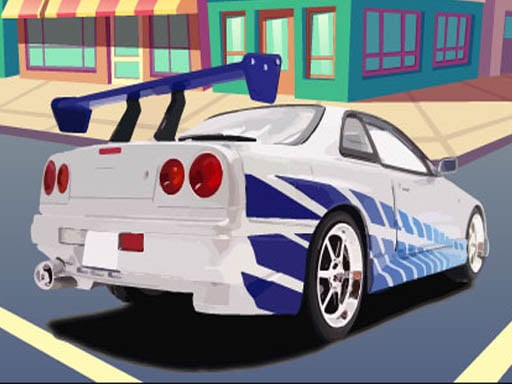
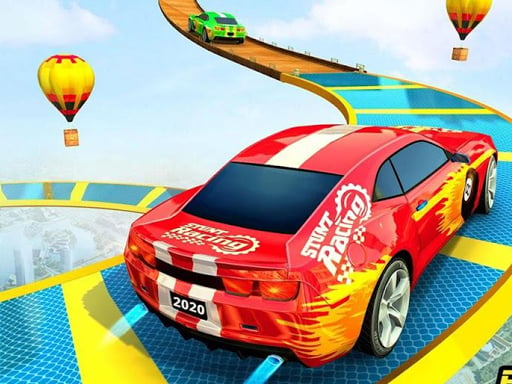
Gravity is just a suggestion when you are behind the wheel in Sky Stunt 3d 2021. This isn't your typical driving game. You are trading solid ground for narrow, zigzagging ramps suspended thousands of feet in the sky. Every turn is a gamble, and every jump is a test of nerves. Whether you prefer the raw power of supercars or the heavy impact of a truck, this arcade experience pushes your reflexes to the absolute limit. If you crave high-stakes racing where one wrong move means a long fall, this is your new obsession. Find more high-octane thrills over at Juegos.
Mastering the Controls of Sky Stunt 3d 2021
Precision is everything. You aren't just steering a car; you are navigating a high-altitude simulation where momentum determines your survival. To dominate the stunts and keep your vehicle on the track, you need to master these Keyboard Control settings:
- W: Accelerate forward to build speed for massive jumps.
- S: Brake or reverse to manage your approach to tight corners.
- A: Steer left to navigate zigzag ramps and avoid falling.
- D: Steer right to maintain balance on narrow tracks.
Pro Tips for the Ultimate Sky Adventure
Success in this simulator requires more than just hitting the gas. To win every race, you need to treat every ramp like a calculated launch. Don't just drive; plan your trajectory. Use the mid-air physics to perform acrobatic flips, but ensure you land flat to maintain your speed. If you lose momentum on an impossible track, you won't make the next jump. Speed is vital because the clock is always ticking. Watch your surroundings and aim for the checkpoints to secure your victory. This 1 Player adventure rewards those who can balance extreme speed with surgical precision. It is the best way to test if you have the soul of a true stunt master.
Stop playing safe on the ground and start flying. Grab the wheel, conquer the clouds, and prove you are the king of the ramps in Sky Stunt 3d 2021 right now!
Keyboard Control