Punch Hero — the knockout idle clicker that packs a punch
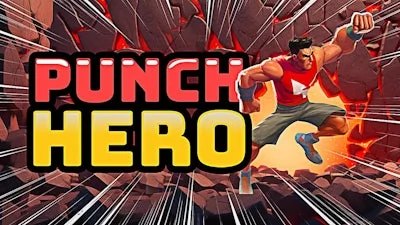
Imagine a 3D arena where every jab shatters enchanted walls, every combo draws a roar from a looming Dragon, and the grind feels like a high‑octane boxing match. Punch Hero throws you into that chaos, letting you stack power while the game runs on its own. No endless micromanagement—just pure, addictive action that keeps the adrenaline pumping.
Master the controls and you’ll dominate the ring. The layout is built for speed, so you can focus on timing and combos instead of fumbling with menus.
- WASD + Shift = move/run
- Space = jump
- E = toggle auto train
- Q = toggle auto punch
- F or right mouse button = punch
- Left/right arrow keys or drag left mouse button = rotate camera
- T = load emoji reaction to dance or emote
- ESC = view controls tutorial and setting menu
Strategy & Addictiveness
Progression is all about timing your auto‑train bursts and stacking punch combos. Let the Idle engine build gold while you’re offline, then drop in for a quick Boxing session to burst through the next wall. Upgrade your gloves, boost your stamina, and invest in Dragon‑slayer perks to slash cooldowns. The sweet spot? Switch between auto‑punch (Q) for steady income and manual punches (F) for critical damage spikes. Keep an eye on the level‑up meter; each breakthrough unlocks a new arena, richer loot, and tougher enemies that demand sharper timing.
For hardcore grinders, focus on synergy: pair a high‑damage glove with a stamina‑saving aura, then let the auto‑train run while you hop between arenas. The more walls you break, the faster the idle income compounds, turning a casual session into a power‑surge that fuels the next big boss fight.
Ready to throw down and watch the numbers climb? Jump into Punch Hero now, and let Juegos deliver the knockout experience you’ve been craving. Punch, train, repeat—your legend starts with the first jab.