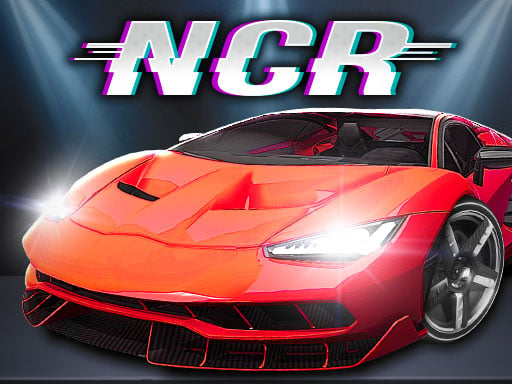
Night City Racing: High‑Octane Action in a Neon‑Lit 3D Playground
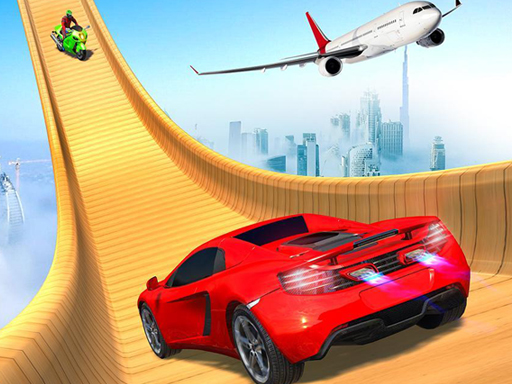
Juegos drops a pulse‑pounding Racing simulation that slams you into a sprawling cyber‑city. Ten hyper‑tuned Cars roar through neon streets, each ready for crazy Stunts and tight corner battles. The engine runs on Unity3D, delivering crisp 3D visuals that feel like you’re really behind the wheel. Whether you chase solo glory or lock horns in 2 Player mode, the rush never quits. This isn’t just another arcade fling; it’s a full‑throttle Simulation that rewards skill, timing, and a love for speed.
Night City Racing Controls & Core Mechanics
Master the track with a clean, no‑frills layout. The game reads your inputs directly, so you can focus on carving perfect lines and pulling off daring jumps.
- If playing single: Move – W A S D or ARROW KEYS; NOS – L‑SHIFT or R‑SHIFT; Restart car position – R; Look back – T; Change camera view – C.
- If playing two player: Player 1 Move – ARROW KEYS; NOS – M; Restart car position – (instruction truncated in source).
Strategy, Progression & Addictiveness
Start with the base models, then fine‑tune engines and paint jobs to suit your style. Upgrades aren’t just cosmetic; they shift weight distribution, boost NOS efficiency, and unlock new Stunts. In 2 Player Games, the leader board resets each race, forcing you to adapt on the fly. Learn the city’s shortcuts, time your drifts around the downtown loop, and use the camera toggle to spot hidden ramps. The AI opponents scale with your skill, keeping the challenge fresh long after the first lap. Because the physics run on a solid Unity3D backbone, every collision feels real, and every victory feels earned.
Ready to dominate the night? Grab the wheel, fire up the NOS, and prove you belong at the top of the leaderboard. Jump straight into Night City Racing or explore more titles at Juegos. The city never sleeps, and neither should your engine.
If playing single Move W A S D or ARROW KEYS NOS L-SHIFT or R-SHIFT Restart car position R Look back T Change camera view C If playing two player Player 1 Move ARROW KEYS NOS M Restart car posi