Mr One Punch: Action Fighting Game – The Fast‑Track to Street Glory
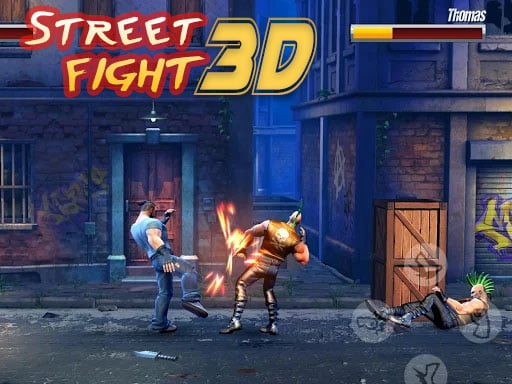
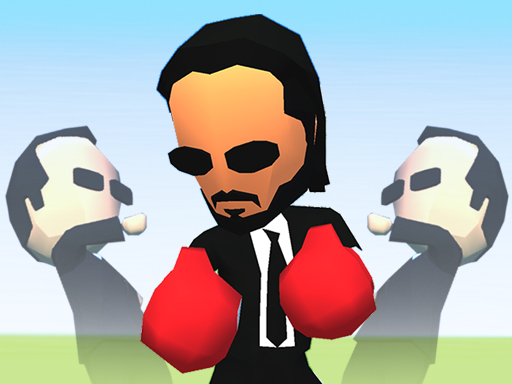
Every punch lands like a thunderclap. In Mr One Punch: Action Fighting Game, you step into a gritty arena where only one rule applies: the strongest fist wins. No power‑ups, no gimmicks—just raw, brutal fight that tests reflexes and timing. If you crave instant gratification and a fight that never drags, this is the title that puts you on the front line of street fighting without the fluff.
Mechanics
The control scheme strips everything down to its essentials. Move, aim, strike—repeat. Master the basics and the rest falls into place.
- Moved
- WASD Keys
- Mouse Punch
- Left Click
Strategy
Winning isn’t about button mashing; it’s about rhythm. Start by learning each opponent’s tell—most will flash a brief opening before they swing. Counter‑strike the moment the animation ends, then retreat using WASD to reset distance. Timing your Left Click punch right after a dodge maximizes damage and reduces the chance of being stunned. As you rack up victories, the AI tightens its patterns, forcing you to vary your approach: feint, dodge, then strike from an unexpected angle. Keep an eye on the crowd meter; a high meter triggers a brief “adrenaline surge” that boosts punch speed for a few seconds. Use it wisely to turn a close call into a knockout.
Progression is simple but addictive. Each win unlocks a new ring, each ring adds a fresh visual theme and a tougher street fighting rival. The champion ladder resets every 24 hours, giving you a fresh chance to climb to the top and post your score on the global leaderboard. The more you fight, the sharper your reflexes become, and the quicker you’ll dominate the streets.
Ready to throw down? Grab the controller, hit WASD, click, and make every hit count. Juegos delivers the purest fight experience on mobile—no tutorials, no load screens, just pure, unfiltered action. Jump in now and prove you’re the one‑punch champion the streets have been waiting for.
Moved WASD Keys Mouse Punch Left Click