Mini Cars – Fast‑Fun Cartoon Racing from Juegos
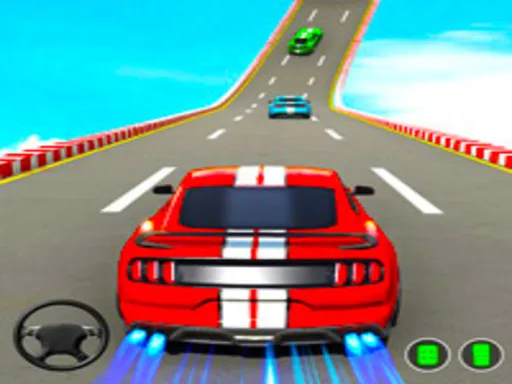
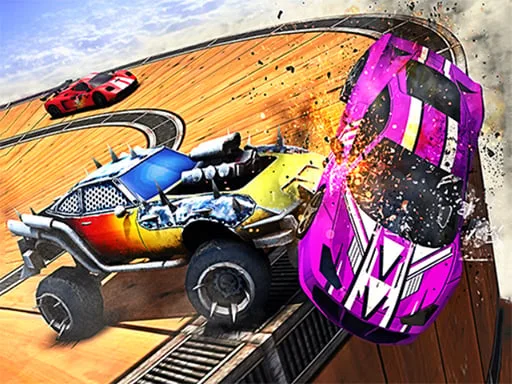
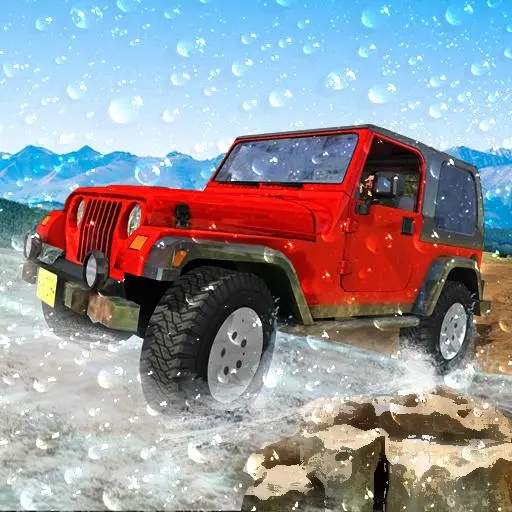
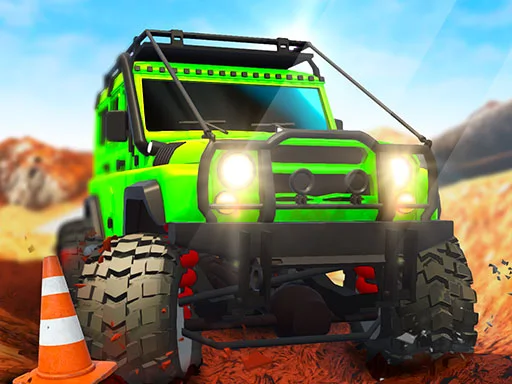
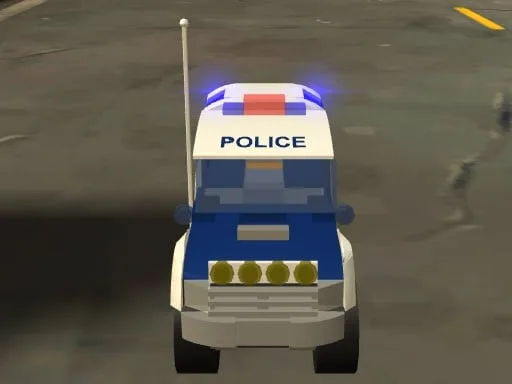
Mini Cars drops you into a neon‑lit city where tiny rides zip, drift, and smash. The graphics pop like a Cartoon sketch, yet the physics feel solid thanks to Unity3D and WebGL. It’s a bite‑size 3D Games experience that packs big thrills into a few minutes of play. Choose a quirky vehicle, hit the start line, and watch the chaos unfold. If you love Cars that look like toys and races that never get boring, this is the title you’ve been waiting for.
Controls & Gameplay
Master the track with a simple, kinetic control scheme. Every button does exactly what you expect, so you can focus on the race, not the manual.
- W / S – Up and down arrow keys for Gas and Brake.
- A / D – Left and right arrows for steering.
- Left Mouse Button (hold) – Activates your special ability.
- Space – Handbrake for tight corners.
- Left Shift – NOS boost for those final‑lap sprints.
- I – Start or stop the engine.
- L – Toggle headlights when night mode drops the lights.
- Q – E – Z – Cycle through vehicle presets, camera angles, and sound effects.
Strategy & Addictiveness
Winning isn’t just about hitting the gas. Collect coins on free‑ride mode to unlock flashy paint jobs and performance upgrades. In highway mode, learn the traffic patterns; slipping between trucks at the right moment saves seconds. Arena battles reward aggressive driving—knock opponents out, then harvest their loot for a permanent boost. Keep an eye on the NOS meter; a well‑timed burst can turn a losing lap into a podium finish. Night races test your headlights toggle, while day runs let you spot shortcuts easier. The progression system nudges you to replay each mode, perfecting lines and chasing higher scores.
Ready to dominate the streets? Jump into Mini Cars now, feel the rush, and show the leaderboard who’s boss. Powered by Juegos, this title proves that a tiny car can deliver massive fun. Grab the wheel, hit that NOS, and let the cartoon chaos begin.
WS up and down arrow keys for Gas Brake AD left and right arrows for steering Left Mouse Button Hold for special ability Space to use handbrake Left Shift for NOS I to Start Stop Engine L to toggle headlights Q-E-Z for