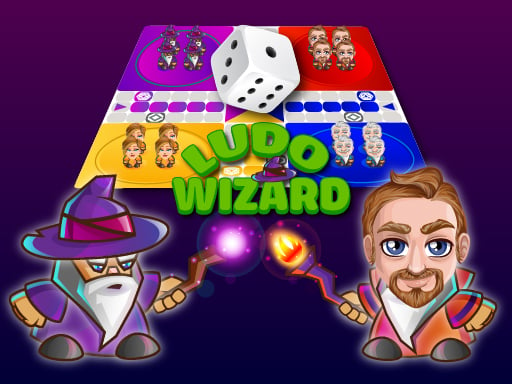
Ludo Game Multiplayer – Classic Board Action for Casual Gamers
Grab a dice, lock eyes with friends, and race tokens around a bright 2D board. This Multiplayer take on the timeless Classic game delivers the same rush of luck and tactics you loved in the original, now powered by HTML5 and perfect for 2 Player or larger crews. Whether you’re hunting a quick Casual match or a marathon showdown, the sleek H5 design means you can jump in from any browser, no download required. Juegos brings the party to your screen, turning a simple roll into a competitive showdown.
Controls & Gameplay
Getting started is effortless—just follow the on‑screen prompts and let the dice do the work. The core actions break down into three clear steps:
- Use the left button of the mouse to maneuver the dice.
- Other activities are going to be conducted by the PC.
- On mobile tap on the dice.
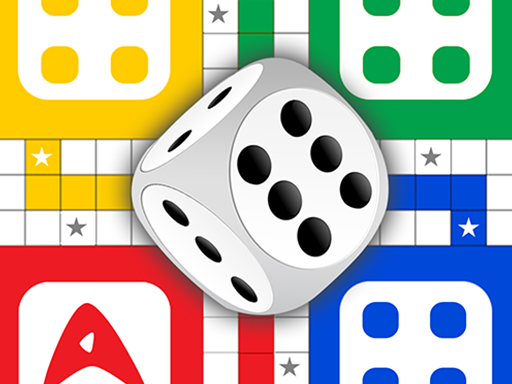
Winning Strategies
Luck decides the first move, but skill keeps you ahead. Prioritize getting all four tokens out early—each six you roll opens a new piece. Guard star squares; they act as safe zones and force opponents to retreat. When you’re near the home stretch, aim to cluster tokens on the same space to block rivals. Watch the board for opponents lagging behind; a well‑timed six can launch a surprise comeback. The more you play, the better you read dice patterns and opponent habits, turning a simple roll into a deep 2 Player Games experience.
Ready to dominate the board? Jump into Ludo Game Multiplayer now, claim the winning spot, and let Juegos be your arena for endless fun. The dice are waiting—roll, move, and conquer!
Use the left button of the mouse to maneuver the dice Other activities are going to be conducted by the PC On mobile tap on the dice