Controls
- Left click to play
- A to rotate camera left
- D to rotate camera right
- F to focus on door
- E to close the hud
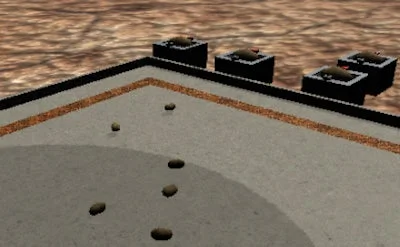


Imagine a group of potatoes exploring the vastness of Space, discovering a mysterious planet with no other life forms. They've named it Potato-Verse, and it's the perfect place to build a colony and thrive. In Idle Potato 2, you'll join these adventurous spuds on their quest to explore, build, and prosper. The game is all about clicking, upgrading, and repeating - a simple yet addictive formula that'll keep you hooked for hours.
To start playing, you'll need to master the Controls. Here's a quick rundown of what you need to know:
As you delve deeper into the game, you'll discover that Idle Potato 2 is all about strategy and progression. You'll need to balance your upgrades, manage your resources, and optimize your potato-harvesting skills to maximize your earnings. With each new level, you'll unlock new challenges and opportunities to grow your colony. At Juegos, we're committed to providing you with the best gaming experience possible, and Idle Potato 2 is no exception.
So, what are you waiting for? Join the Juegos community today and start playing Idle Potato 2. With its addictive gameplay, colorful graphics, and endless progression opportunities, this game is sure to keep you entertained for hours on end. Click here to start playing Idle Potato 2 now and discover the thrill of exploring the Potato-Verse. As a Juegos player, you'll be part of a vibrant community that's passionate about gaming and always looking for the next big adventure.