Controls
- Use the left mouse button = stop the ball
- Drag the left mouse button= aim
- Release the left mouse button = shoot
- H = back to the main menu
- P = pause
- R = restart level



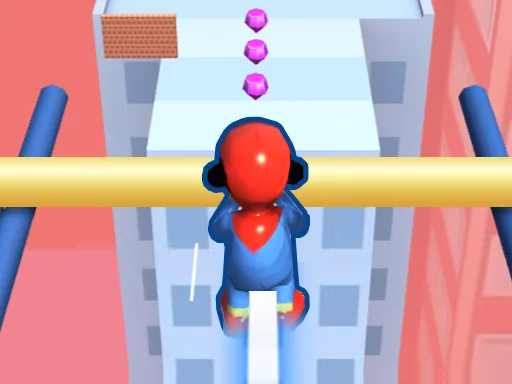
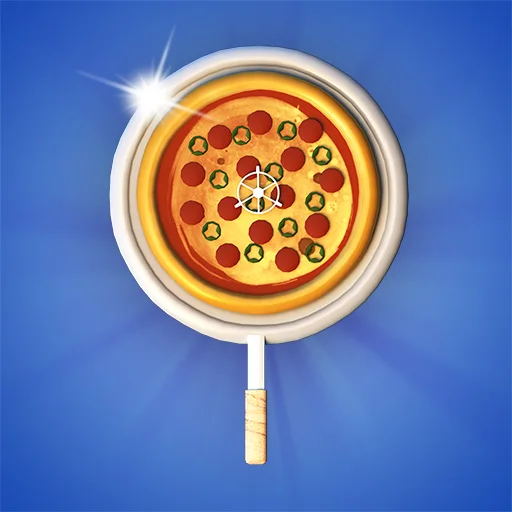
From the creators at Juegos, Golf Quest: Crystals drops you into a crisp 2D arena where every swing counts. Fifteen levels of pure obstacle‑driven chaos await, each one demanding pinpoint timing and razor‑sharp aim. Miss the hole, and you’ll loop back to the start—there’s no room for sloppy shots. The game’s core promise? Nail every putt, smash your best speedrun, and dominate the leaderboard. If you love tight‑rope Golf with a twist of puzzle, this is the title that forces you to improve, fast.
All actions hinge on the mouse. Click to halt the rolling ball, drag to line up your perfect trajectory, then release to fire. Simple, yet unforgiving—every millisecond of aim matters.
Success hinges on three habits: anticipate, adapt, and avoid every obstacle that threatens to deflect your ball. Start each level by scanning the layout; the most dangerous traps sit in the center, forcing you to curve around them. Use the top‑down view to plot a low‑arc shot that rolls under high‑rise barriers, then boost forward for a fast finish. In Speedrun mode, prioritize straight lines over fancy curves—every extra bounce adds seconds. Keep an eye on the mouse cursor’s subtle speed indicator; a slower drag yields a gentler push, perfect for tight corridors. Master the “stop‑and‑release” combo on the first few holes, then you’ll breeze through later stages without missing a beat.
Ready to put your precision to the test? Jump into Golf Quest: Crystals now, lock in a new record, and prove you’ve got the fastest swing in the game. The leaderboard is waiting—show it what a true Golf champion looks like.