Cute World Craft: Block‑by‑Block Mayhem
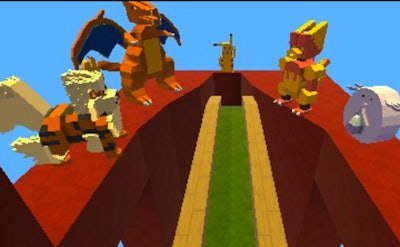
Step into a vibrant Sandbox where every Block obeys your imagination. This Adventure blends the creative freedom of Minecraft with clever puzzle mechanics, letting you craft 3D realms that feel alive. Whether you’re grinding resources in Survival or shaping endless skies in Creative, the world reacts to every placement, every jump, every portal you fire. It’s a playground for creators, a battlefield for explorers, and a sandbox that never stops surprising.
Controls & Core Mechanics
Master the basics first—then bend the rules.
- WASD or Arrow Keys - to move
- hold LMB to use tools
- click LMB to place block
- Spacebar - to jump
- double spacebar to fly in Creative Mod
- E - to pick up drop objects
- F - open inventory
- C - collect to poach

Winning Tactics & Long‑Term Play
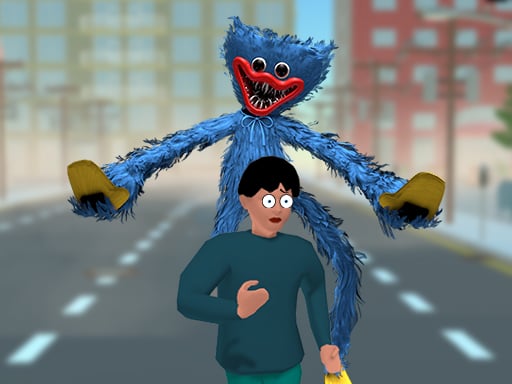
Start in Survival and scout the five distinct biomes. Gather wood, stone, and rare ores before night falls—darkness hides aggressive monsters that drop unique masks. Combine those masks to forge the compass that points at the Final Boss, Hivot. Take down his teeth, free the trapped children, and claim the ultimate trophy. In Creative, toggle map settings to sculpt endless oceans, towering lava fields, or floating islands. Use the built‑in portal gun, TNT, and replicator to design custom mini‑games that other players can download. Keep an eye on the “Symmetry” mode: place one block and watch it mirror across up to four axes, slashing build time. Mix musical blocks for catchy tunes, then share your level on the community hub—watch others tackle your puzzles and leave feedback. Balancing resource management, base defense, and clever use of physics objects fuels a loop that keeps you coming back for more.
Ready to stack, craft, and dominate? Jump into Cute World Craft now, and let Juegos guide your next 3D creation. Build, battle, and share—your sandbox empire starts today.
WASD or Arrow Keys - to move hold LMB to use tools click LMB to place block Spacebar - to jump double spacebar to fly in Creative Mod E - to pick up drop objects F - open inventory C - collect to poach