Controls
- A/D or left/right arrow keys = move
- Space = jump
- E = open inventory
- Hotkey 1-9 = use hotkeys
- Left mouse button = attack / mine
- Right mouse button = place / use item / interact
- Esc = pause
- W/S = fly in creation mode
- LeftShift = sprint
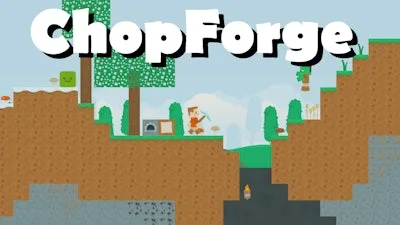


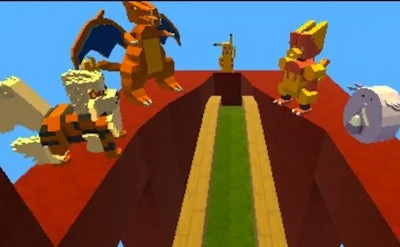
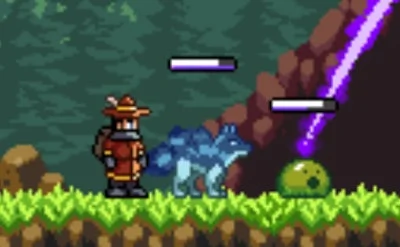
Get ready to immerse yourself in a world of endless possibilities with ChopForge, the latest creation from the talented team at Juegos. This 2D sandbox adventure game is all about giving you the freedom to express yourself and explore a vast, blocky universe filled with surprises and challenges.
ChopForge's controls are designed to be intuitive and easy to pick up, so you can focus on what really matters: building, surviving, and exploring. Here's a rundown of what you can expect:
In survival mode, you'll need to gather resources, craft tools, and fend off enemies that roam the blocky landscape. But don't worry, we've got some tips to help you get started. Focus on mining for resources, building a sturdy base, and exploring the surrounding area to discover new blocks, items, and enemies. As you progress, you'll unlock new abilities and tools that will help you take on even greater challenges.
And if you're feeling creative, switch to creation mode and build your dream world. With endless blocks and items to choose from, the possibilities are truly endless. Want to build a towering skyscraper? A intricate maze? A sprawling city? The choice is yours in ChopForge.
Ready to experience the ultimate in sandbox gaming? Head over to ChopForge today and discover a world of endless possibility. And don't forget to check out Juegos' other titles, including Juegos, the home of innovative and engaging games for players of all ages.