Block Craft 2: Build, Mine, Conquer
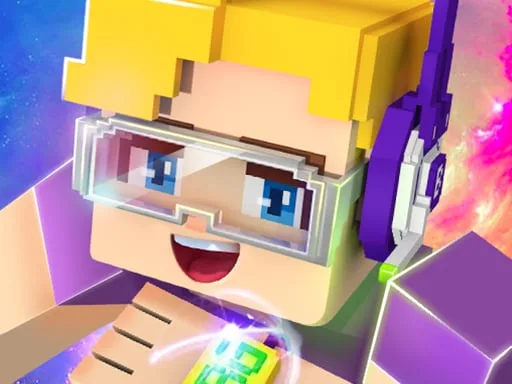
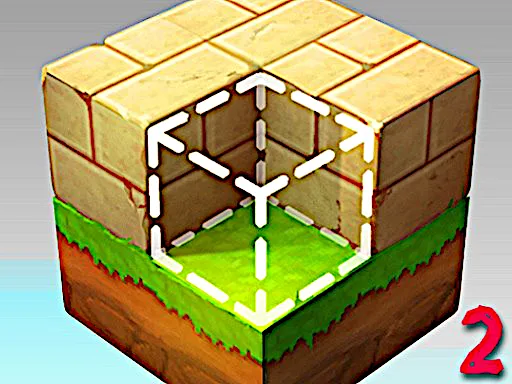
Block Craft 2 drops you into a vibrant 3D sandbox where every pixel feels like a fresh canvas. Think Minecraft but stripped of the grind and packed with instant fun. You start with a tiny plot, a handful of tools, and the freedom to mine, craft, and expand at will. The game’s bright block aesthetics make each creation pop, and the new skins add a funny twist to your miner avatar. Whether you’re a hardcore creator or a casual player, the endless possibilities keep the experience fresh. From the moment you drop the first pixel, the game rewards curiosity. Every block you place snaps into a perfect grid, eliminating the frustration of misalignment. The UI stays minimal, so you focus on creation, not menus. Juegos delivers the polished experience you expect from a top‑tier 3D sandbox. Daily challenges and seasonal events make the world never feel stale.
Mechanics
Controls feel tight, so you can jump straight into building. Movement sticks to the classic WASD scheme, while mouse clicks handle block placement. A handful of hotkeys let you toggle modes, rotate pieces, or launch a quick ball for extra flair. Master the key combos and the world bends to your will.
- Move W A S D
- Up Down
- Q E
- Select block 1 2 3 4 5 6 7 8
- Pause and Key info P
- Hit block LEFT-CLICK
- Create block RIGHT-CLICK
- Rotate block R
- Fly mode F
- Build mode B
- Crouch C
- Run LSHIFT
- Torch L
- Throw ball R Su
The toolset expands as you progress. Unlock new skins, craft decorative fences, and place water to create flowing rivers. Each new block type adds a layer of depth, letting you mimic real‑world architecture or go full fantasy. The funny animations keep the mood light, while the underlying 3D engine ensures smooth performance on any device. In Juegos' version, the updates roll out weekly, keeping the world fresh.
Strategy
First, claim a high‑ground spot. Height gives you line‑of‑sight for mining and protects you from surprise mobs. Lay down a foundation of stone blocks, then mix in colorful pixel bricks for visual flair. Use the Rotate block command to fit odd shapes, and keep the Right‑click create shortcut handy for rapid expansion. Mining in 3D Games like Block Craft 2 rewards depth—dig down a few layers, stash ore in chests, and craft upgraded tools. Upgrade your torch to light larger caves and keep the miner safe. When you’ve built a solid base, switch to Fly mode and scout the surrounding terrain. Spot resource‑rich biomes, then sprint (LSHIFT) back to your hub and start a new district. Blend functional farms with decorative structures to keep the environment both useful and funny. Remember, the more you experiment with block combinations, the more unique your kingdom becomes. A balanced mix of utility and aesthetics keeps the gameplay fresh for weeks.
Ready to stack, shape, and dominate? Grab Block Craft 2 now and start building the kingdom you’ve imagined. Juegos brings the smoothest 3D sandbox straight to your device, with zero‑cost fun and endless updates. Join the community, share your craziest pixel creations, and watch the world grow around you. Press start and turn every block into a story.
Move W A S D Up Down Q E Select block 1 2 3 4 5 6 7 8 Pause and Key info P Hit block LEFT-CLICK Create block RIGHT-CLICK Rotate block R Fly mode F Build mode B Crouch C Run LSHIFT Torch L Throw ball R Su