999 – High‑Octane Arcade Rush
Speed, split‑second Timing, and razor‑sharp reflexes define 999. One 1 Player challenge drops you behind the wheel of a frantic Car racing against the clock to deliver a critical patient to the hospital. Every second counts, and every obstacle could turn a quick Race into a crash‑filled nightmare. If you crave a fast‑paced, Casual yet intense Arcade experience, this is the title that makes your pulse race.
Mechanics
Control is stripped down to pure instinct. Press the upward arrow or tap space to floor the accelerator. Shift left, right, or reverse with the remaining arrow keys. On touch devices, the upper or lower left half of the screen pushes the vehicle forward or back, while the centre‑left and far‑right edges steer. Simple, responsive, and built for split‑second Timing decisions.
- Accelerate with upward arrow key or space bar
- Other arrow keys to move left, right, and backwards
- Tablet or smartphone – upper or lower left side of the screen to move forwards, backwards
- Centre left, far right side of the screen to steer
Strategy
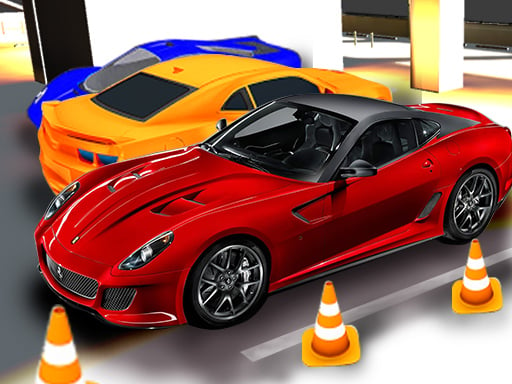
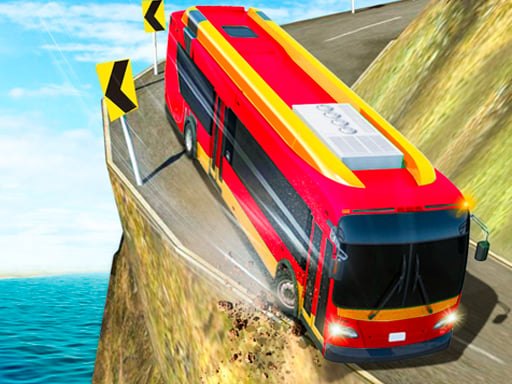
Winning isn’t just about raw speed; it’s about mastering the flow of traffic and the placement of power‑ups. Spot the glowing items on the road – they grant temporary boosts or shield the Car from damage. Prioritize clear lanes when a bus or a convoy of Cars barrels toward you. The game’s Cartoon aesthetic disguises a ruthless physics engine, so keep an eye on the distance to the next obstacle. Every successful pass adds to your Racing score, unlocking faster Supercars and slicker skins. Remember: a perfect run isn’t a sprint, it’s a rhythm. Sync your acceleration with the gaps, and you’ll shave precious seconds off the clock.
Ready to dominate the streets? Jump into 999 now, feel the adrenaline of a true arcade showdown, and prove you can beat the clock. Play the latest title from Juegos and experience a race that never quits.
Accelerate with upward arrow key or space bar other arrow keys to move left right and backwards Tablet or smartphone - upper or lower left side of the screen to move forwards backwards and centre left far right side of the screen to steer