Click to play
x
Controls
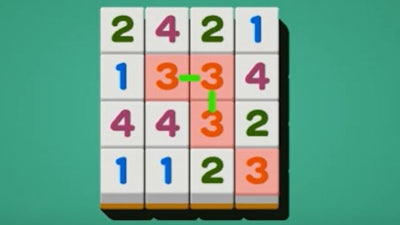
3 Lines




















Click to play
This game is not available on mobile.

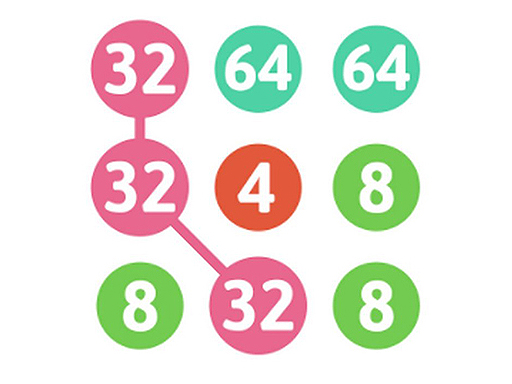
3 Lines is a fast-paced and addictive puzzle game that will test your logic, planning, and decision-making skills. The objective is simple: clear the board by pairing numbered or lettered tiles. But the challenge lies in connecting them using three or fewer lines. Each level throws new obstacles your way, forcing you to adapt and think ahead. With increasing difficulty, 3 Lines keeps the brain cells firing and the fun rolling — making every match feel like a small victory.
Playing 3 Lines is straightforward, but mastering it takes time. You control the action with simple gestures — tap or click to select tiles and connect them strategically. What makes 3 Lines stand out is its intuitive interface and clever level design. Every move counts, and every match brings you closer to clearing the board.
Success in 3 Lines isn’t just about luck — it’s about Strategy. Plan your moves carefully, especially in the later levels where the board becomes more crowded. Prioritize clearing high-value pairs first to make room for future connections. Look for patterns and visualize the entire layout before making each selection. Remember, the game rewards both speed and precision. If you get stuck, take a moment to reassess — a new angle can unlock the solution. With practice, you’ll start recognizing the best paths to clear the board with ease and flair.
Ready to test your mind and sharpen your skills? Jump into 3 Lines today and see if you can beat your best score. Whether you're looking for a quick distraction or a deep puzzle challenge, this game delivers. Find more exciting games like this at Juegos, where every click brings bigger thrills. Play smart, play fast — and above all, play Flash.



































