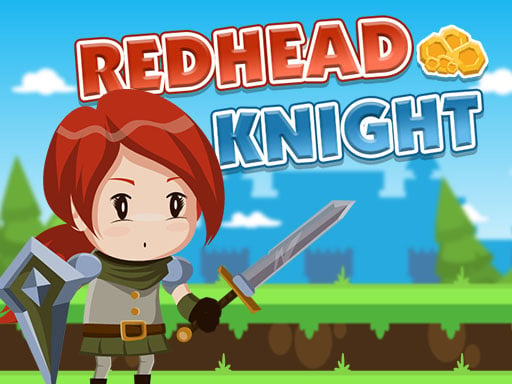
Redhead Knight – The Side‑Scrolling Action Blast You Can’t Ignore
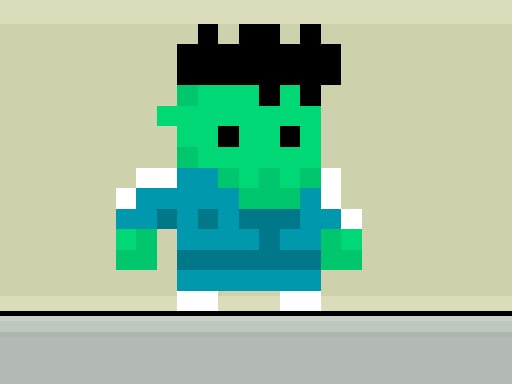
Pixel‑perfect platforms, relentless enemies, and a fiery‑haired hero who’s not afraid to swing a sword. Redhead Knight drops you into a classic Side Scrolling arena that feels like the best of the 90s but built for today’s HTML5 browsers. One player, pure skill, endless replay value. If you love the speed of Mario and the challenge of a true Platform test, this title is your next fix. The moment you control Arthur, the red‑capped Knight, you’ll understand why the hype is real.
Mechanics
Controls are razor‑sharp. Jump, dash, slash – all at your fingertips.
- On Desktop use W to Jump A to move Left D to move Right and L to Attack
- On Mobile Devices use Touch Buttons on Screen
Strategy
Mastery comes from rhythm. Start each level by scouting enemy patterns. The first few screens teach you timing; later worlds demand split‑second decisions. Collect the hidden fire‑coins to boost your attack power – they’re tucked behind breakable blocks or dropped by mini‑bosses. When you face a crowd, pull back and use the L‑key to chain combos; a well‑timed strike can clear three foes in one motion. Keep an eye on the background; moving platforms often hide secret passages that lead to extra lives or bonus stages. Remember, every world ends with a boss that mirrors Arthur’s own moves. Study its tells, dodge the charge, then counter‑attack when the shield drops. Progression isn’t just about speed; it’s about learning each level’s DNA and exploiting it. Play the game on Juegos and you’ll notice how the difficulty curve feels balanced for both newcomers and veterans. Push your high score, share it with the community, and chase that 1 Player leaderboard glory.
Ready to slash through 15 meticulously crafted stages and prove you’re the ultimate Knight of the arcade? Jump into Redhead Knight now. The adventure waits – grab that sword, hit the jump, and dominate the platform frenzy today.
On Desktop use W to Jump A to move Left D to move Right and L to Attack On Mobile Devices use Touch Buttons on Screen