Controls
- WASD or arrow keys to move
- Left mouse button to attack or click on the user interface
- Space bar to jump
- Shift to run
- C to enable/disable sneaking
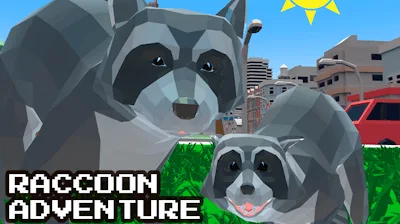


Play as a sly, street‑smart raccoon and claim the city as your playground. Skyscrapers become climbing walls, alleyways hide secret stash spots, and every parked car or docked boat is a new challenge. This isn’t just another Simulation—it’s a high‑octane, 3D sandbox where an animal protagonist flips the script on urban life. If you love mastering a city from the ground up while causing mischief, you’ll feel the rush from the first swipe.
Control the raccoon with tight, responsive inputs. Move, attack, jump, sprint, and sneak with a simple key layout that feels natural the moment you start.
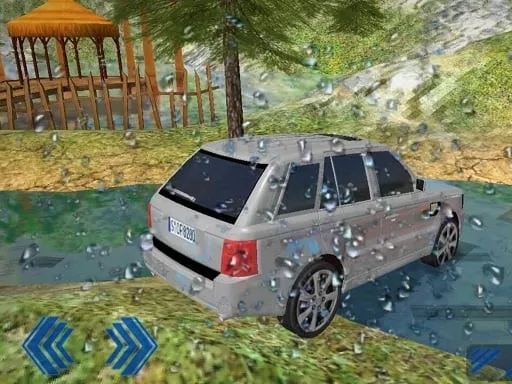
Success isn’t about speed; it’s about clever positioning. Start by scouting the map for high‑traffic zones where cars line up and boats dock. Those spots yield the best loot and the most XP. Use sneaking (C) to slip past security drones and grab hidden caches without triggering alarms. When you’ve stocked up, hit the downtown area, hijack a car, and race to the top of the skyline for a panoramic loot view. Upgrading your raccoon’s agility unlocks longer jumps, letting you bypass fences and reach rooftop shortcuts. Keep an eye on the day‑night cycle—nighttime increases stealth bonuses but also spawns tougher rival animals. Balance risk and reward, and you’ll dominate the city faster than any human player.
Ready to cause mayhem as the most cunning animal in town? Jump into the chaos, master the city’s secrets, and show every human who really runs the streets. Grab Raccoon Adventure: City Simulator 3D now and experience the ultimate 3D urban sandbox, brought to you by Juegos. Your raccoon empire starts the moment you press start.