HoverCraft: High‑Octane 3D Battle on Wheels
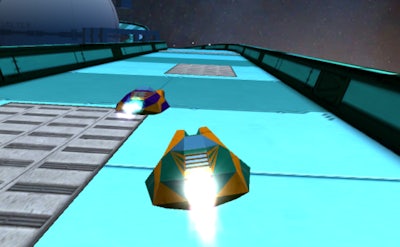
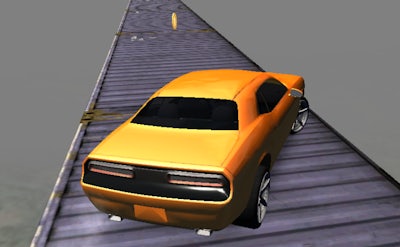
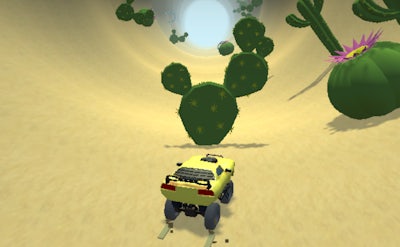
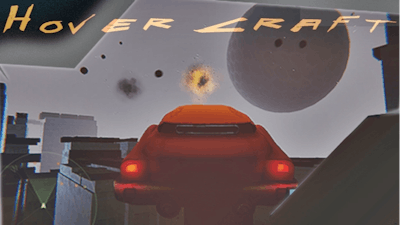
Imagine a sleek car that hovers above a neon‑lit arena, guns blazing, while alien drones swarm the sky. HoverCraft drops you into that chaos the moment the match starts. The game blends frantic Racing with relentless Battle mechanics, putting you in the driver’s seat of a futuristic hover vehicle that can both outrun opponents and lay down fire. Every win earns you fresh upgrades, and each match feels fresh thanks to the ever‑changing Multiplayer maps. If you love fast‑paced action and love to collect power‑ups, you’ll feel right at home on this high‑speed battlefield.
HoverCraft Controls Breakdown
Master the cockpit with a simple, customizable layout. The core scheme reads:
- W: accelerate
- A, D, left arrow, right arrow: steer
- S: brake
- Shift: toggle Fly mode on/off
- P: pause
- R: respawn
- Left mouse or F: shoot
- Right mouse or Space bar: aim
- Mouse wheel, E, and Q: change weapons
- Middle mouse, C: switch weapons/items
- All controls are changeable in the Settings
Winning the Multiplayer Battle
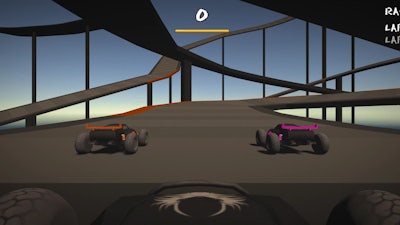
Success hinges on positioning and timing. Early in a match, focus on collecting the glowing upgrade pods scattered across the arena. Those pods boost speed, armor, or weapon damage. When you spot an Alien boss, coordinate with teammates to stagger its attacks; a single well‑placed missile can turn the tide. Keep an eye on the radar for enemy hover‑cars that try to cut your line. Cutting corners on the Racing track grants a speed burst, but beware of ambush zones where opponents hide. Upgrade your hull after each victory to sustain more hits, and experiment with weapon swaps to stay unpredictable.
Ready to dominate the skies and the track? Jump into HoverCraft now and feel the rush of 3D combat that only Juegos can deliver. Lock in your loadout, fire up the engines, and prove you belong at the top of the leaderboard.