Controls
- WASD to move
- Left click to shoot
- R to reload
- Space bar to jump
- Hold F to plant/defuse bomb
- B to enter buy menu
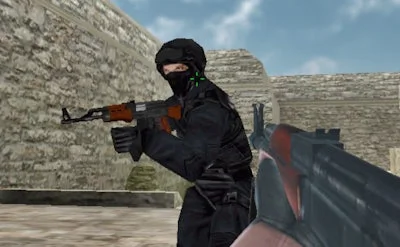


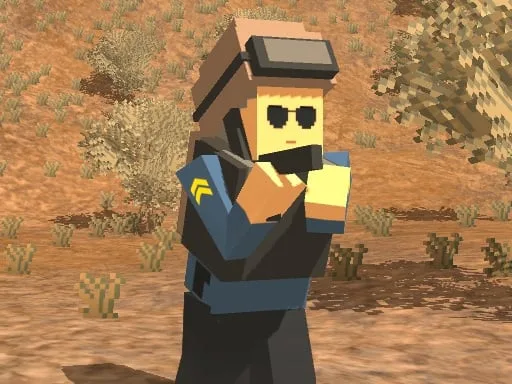
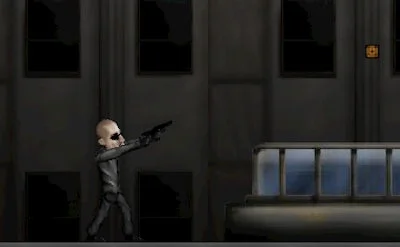
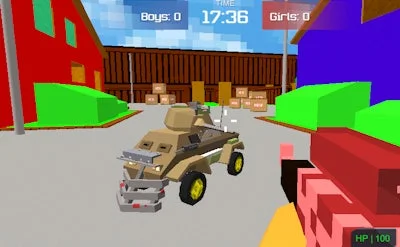
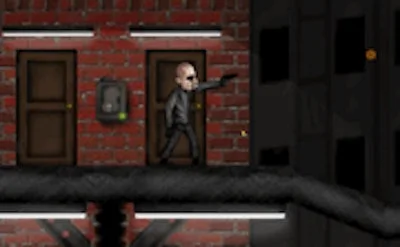
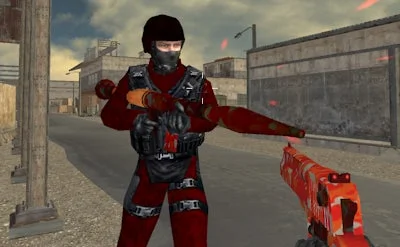
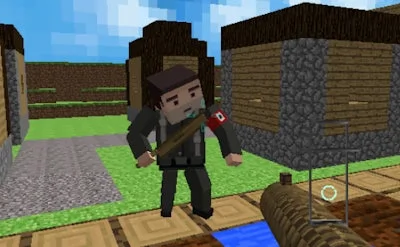
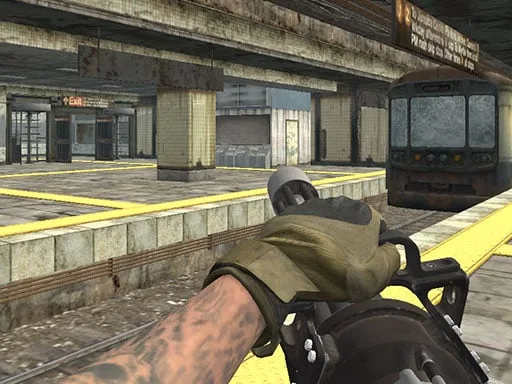
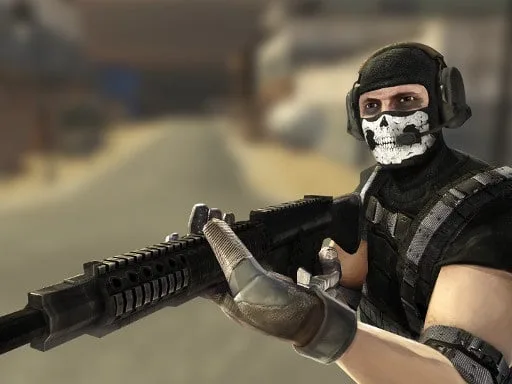
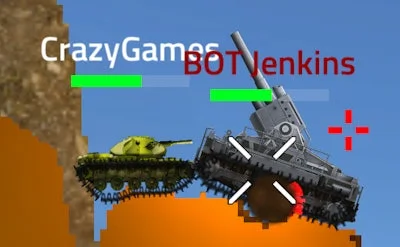
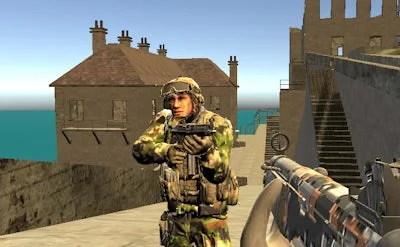
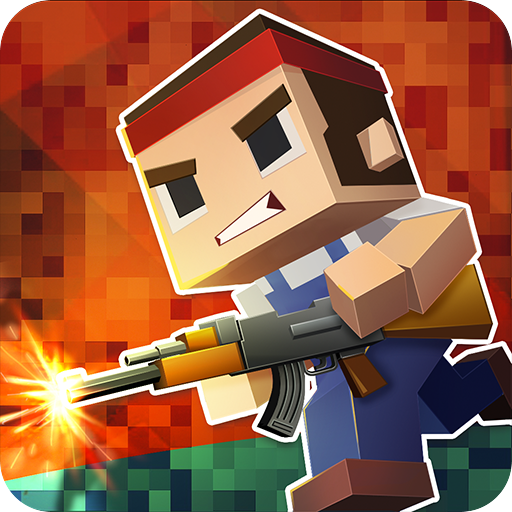
Strap on your Gun and drop straight into a gritty, 3‑dimensional battlefield where every shot counts. This is pure Multiplayer chaos built for the pocket‑ready FPS fan who craves the adrenaline rush of tactical shootouts. Whether you’re a veteran of classic arena shooters or a newcomer hunting that perfect head‑shot, the game’s razor‑sharp graphics and tight gunplay demand your full attention. Juegos delivers the experience that makes you forget you’re on a mobile screen.
Master the flow of combat with a simple, responsive layout. Follow the checklist below, then jump straight into the heat of battle.
Winning isn’t just about reflexes; it’s about reading the map and your opponents. Start by securing the low‑risk lanes, then rotate to flank the enemy when the heat turns. Keep an eye on the buy menu – a well‑timed upgrade can swing a round. As you rack up kills, the game rewards you with new weapon skins and faster reload modules, feeding the loop of improvement. Team communication via quick chat commands amplifies the Multiplayer experience, turning chaotic firefights into coordinated assaults. The blend of short, intense rounds and a steady progression ladder makes each session feel fresh.
Ready to dominate the arena? Grab your device, hit the Critical Strike: Portable download, and jump straight into the fray. Juegos has fine‑tuned every gun, every map, and every respawn timer to keep you on the edge of your seat. Load out, lock in, and prove you’ve got the reflexes to own the leaderboard.