Controls
- WASD - move
- Space bar - jump
- Left shift - run
- Left mouse button - interact with objects
- Right mouse button - examine objects/zoom
- E - interact with doors/take objects
- P - pause



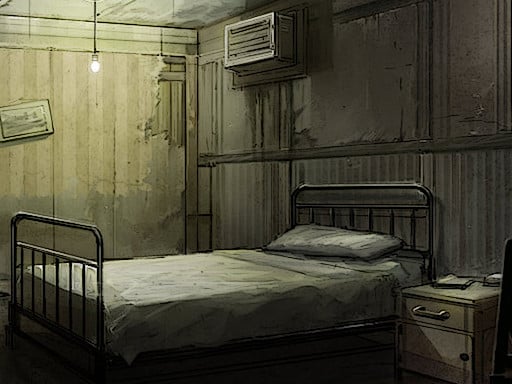
Juegos drops the sequel that flips the horror dial to eleven. You’re trapped inside a twisted 3D labyrinth ruled by a deranged smile‑masked figure. Every corridor whispers mystery, every shadow tests your survival instincts. Miss a step and the puzzle resets; miss a clue and the nightmare deepens. This isn’t just another escape room—it's a logic‑driven gauntlet that rewards nerves of steel.
Master the controls, then let the maze do the rest. Simple, responsive inputs keep the focus on brain‑teasing challenges instead of fumbling with buttons.
Winning Case: Smile 2 isn’t about sprinting through corridors; it’s about thinking ahead. Start by mapping each room in your mind—visual memory is your best ally in a 3D horror maze. When you encounter a puzzle, isolate the variables: color, sound, and placement. The game rewards players who pause, examine objects with the right‑click, and note subtle audio cues. Use the run button sparingly; the psycho’s line of sight is unforgiving, and a quick dash can trigger a reset. Keep an eye on the environment’s lighting—shadows shift when you solve a logic gate, opening hidden passages. Collect every key and token; they often double as puzzle pieces later on. Remember, the smile‑masked antagonist learns from your actions, so varying your route prevents predictable patterns and buys you extra time to solve the tougher mystery segments.
Ready to prove you can outsmart a psychopathic mastermind? Grab your controller, lock eyes with the grin, and show the maze who’s really in charge. Case: Smile 2 awaits—can you survive the logic‑filled horror and walk out smiling? Juegos has set the stage, now it’s your move.