Advent NEON – Neon‑lit Mayhem in 2D
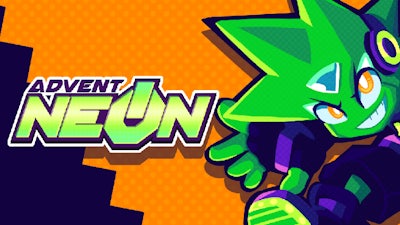
Pixel‑perfect speed meets brutal combat in Advent NEON. The game throws you into a glowing cyber‑city where every platform is a chance to destroy foes and every corner hides a new battle. If you love classic side‑scrolling thrills with a modern twist, this title pulls no punches.
Controls & Gameplay
Master the rhythm of this side scrolling fighter with tight keyboard or full‑controller support. The layout is simple enough for newcomers, deep enough for pros:
- Move: WSAD / Arrows — Left Stick / D‑Pad
- Jump: Space bar / C — Bottom Face / Left Bumper
- Punch: P / Z — Left Face / Right Face + Direction Dash: O / X
- Break Attack: Hold Dash + Press Punch + Direction (or Right Stick on Gamepad)
- Full gamepad support, remappable inputs, “Tap up to Jump” toggle
- Adjust stick deadzone from 10% to 85%
- Only runs in Chromium‑based browsers (Chrome, Edge, etc.)
- Open the Input Visualizer via Options → Video → Display Inputs to verify your controller
Strategy & Addictiveness
Speed isn’t everything—timing your dash and break attack is the key to chaining combos. Early levels teach you the rhythm; later stages throw multiple enemy types that require different approaches. Collect neon shards to upgrade your dash distance, and unlock hidden arenas that test your reflexes. The constant push for higher scores keeps you looping back, while leaderboards fuel the competitive fire.
Juegos brings the arcade vibe straight to your browser. Jump in, grab that controller, and start tearing through neon streets. One run, two minutes, endless bragging rights—your next high‑score is just a press away.
To ensure your gamepad controls are working, you can open a Visualizer for your inputs by going to Options -> Video -> Display Inputs. These show the real-time inputs from your controller regardless of what's happening in the game.