Soccer Battle Online: The Thrill of Competitive Soccer
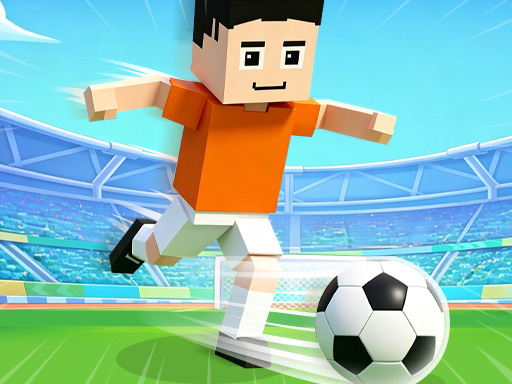
You're about to experience the rush of competitive soccer like never before. In Soccer Battle Online, every pass, tackle, and goal counts, and you're thrown straight into the action. This fast-paced Sport is all about teamwork, quick reactions, and strategy. You'll compete against real opponents in exciting online multiplayer soccer games, and every match can be decided by a single moment of brilliance.
Mastering the Mechanics of Soccer Battle Online
To dominate the field, you need to master the controls. On PC, you'll use the WASD keys to move, K to pass, Switch to change players, T to tackle, and J to shoot. On Mobile, it's all about clicking the on-screen buttons to operate your players. Here's a rundown of the basic controls:
- On PC: WASD Move, K Pass, Switch, T Tackle, J Shoot
- On Mobile: Click the on-screen button to Operate
Developing Your Strategy in Soccer Battle Online
As you progress through the game, you'll need to develop a solid strategy to outmaneuver your opponents. This Sport demands teamwork, so communicate with your teammates to set up devastating attacks and impenetrable defenses. You'll also need to customize your players' jerseys to boost their skills and abilities. With every win, you'll earn rewards and climb the ranks, proving yourself as a true Soccer champion. Juegos brings you this exciting experience, and you can always find more great games on our homepage: Juegos.
So, what are you waiting for? Jump into the world of Soccer Battle Online, join the competition, and show off your skills. With its addictive gameplay and competitive multiplayer mode, this game will keep you hooked for hours. You'll be competing against the best, and every match will be a thrilling test of your abilities. Get ready to experience the thrill of Soccer like never before, and become a legend in the Sport.
On PC WASD Move K Pass Switch Tackle J Shoot On Mobile Click the on-screen button Operate