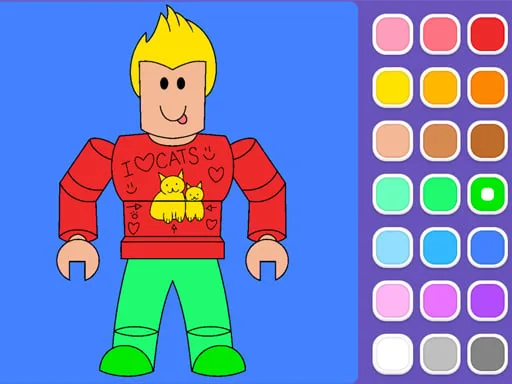
Roblox Coloring Game


This title mixes the wild imagination of Roblox with the soothing vibes of a coloring app. Kids and casual players alike grab a brush, pick a palette, and start filling in bright, cute scenes. The result? Instant fun that feels both playful and educational. With 12 vibrant pages and hundreds of stickers, the game keeps the creative spark alive every session.
Master the basics, then let the colors fly. The interface is built on HTML5, so it runs smooth on browsers, tablets, and phones. Controls are stripped down to two simple actions:
Choose from three drawing modes—fill, outline, or fireworks—to remix each page. Switch stickers on the fly, layer patterns, and watch your masterpiece evolve. The toolset is lightweight, yet powerful enough to satisfy any budding artist.
Start with the simplest palette; it builds confidence. Then unlock new stickers by completing pages—each reward adds a fresh visual twist. Blend colors using the drag‑stroke feature for smoother gradients; the game registers pressure subtly, so slower strokes yield richer tones. For a competitive edge, race against the timer in fireworks mode; speed plus style earns extra points that open premium palettes. The progression loop—color → earn → upgrade—keeps the experience fresh for both kids and adults.
Ready to splash some color on your screen? Jump into the Roblox Coloring Game now and see why Juegos fans call it the go‑to mobile coloring playground. Grab your device, tap the first page, and let the creativity flow. The canvas is waiting—make it yours today.