Help Me: Brain Tricky Story – A Funny 2D Puzzle Adventure
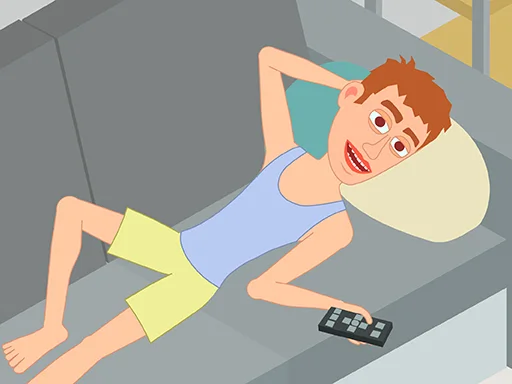
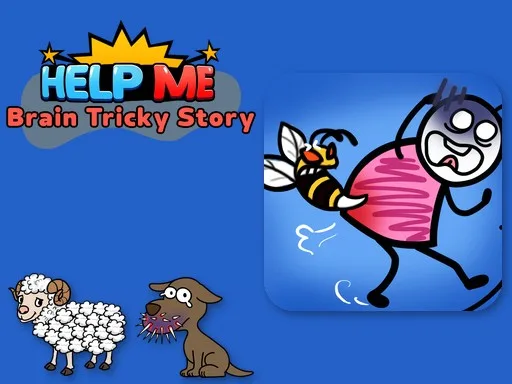
Stick‑figure heroes stumble into absurd predicaments, and only your quick logic can rescue them. Each hand‑drawn level throws a fresh brain teaser that mixes physics, water flow, and quirky humor. You’ll laugh, you’ll think, and you’ll feel the satisfaction of cracking a tricky puzzle. If you love casual games that challenge the mind without demanding endless grinding, this title fits right into your mobile or web gaming routine.
Help Me: Brain Tricky Story – Core Mechanics
Control the scene with a single tap or click, then manipulate objects to solve each scenario. The interface stays light, letting you focus on the puzzle itself.
- Mouse click the scene to zoom in
- click objects to interact
- click and drag objects to move them
- Buttons Pause
- sound
- music
- level menu
- home
- Hint
- Skip
Help Me: Brain Tricky Story – Strategy & Progression
Start each level by scanning the entire scene. The trick often hides in a subtle animation or a misplaced object. Pull the stickman’s attention to the odd detail; that’s usually the key. When water flows, pause the simulation and move a barrier to redirect the stream—physics puzzles love that move. For quiz‑style moments, read the text clues carefully; the answer is rarely a random guess.
Keep an eye on the hint meter. Watching a short ad grants a hint that points to the interactive element, saving you from endless trial‑and‑error. Use the skip button only when a level truly stalls; most puzzles reward persistence with a satisfying “aha!” moment.
Replay unlocked stages to improve your completion time. Faster runs unlock a secret stickman skin and give you bragging rights on leaderboards. The game tracks your progress automatically, so you can jump back in from any device—mobile, tablet, or desktop browser—without losing a single solved puzzle.
Ready to test your mind and enjoy a funny, light‑hearted story? Jump into the first level now, solve the quirky challenges, and see why Juegos keeps delivering fresh HTML5 and WebGL experiences that fit perfectly into a casual gaming break.
Mouse click the scene to zoom in click objects to interact click and drag objects to move them Touch tap the scene to zoom in tap objects to interact touch and drag objects to move them Buttons Pause sound music level menu home Hint Skip