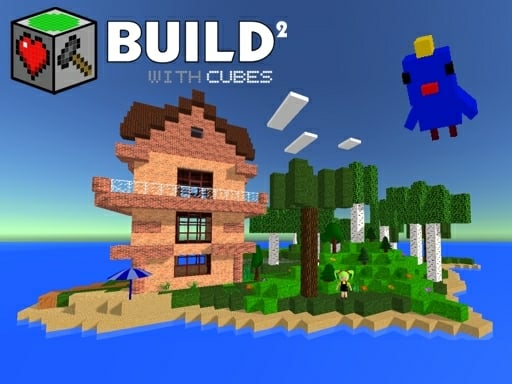
Build with Cubes 2


Imagine a sandbox where every brick obeys your imagination, where physics reacts to every drop, and where the world reshapes itself at the click of a mouse. Build with Cubes 2 drops you into a sleek 3D Games engine powered by WebGL, delivering a Minecraft‑style creation experience without the lag. Whether you’re stacking a tiny dollhouse or engineering a sprawling city, the thrill comes from seeing your blocky vision become a living, breathing world. This isn’t just another voxel title; it’s a sandbox that rewards curiosity, precision, and a love for tinkering.
The control scheme is stripped down to the essentials, letting you focus on building instead of fumbling with menus. Master the basics, then let the portal gun and physics toys take you further.
Winning in Build with Cubes 2 isn’t about combat; it’s about efficient creation and clever use of the physics engine. Start by generating a seed‑based landscape; tweak hill height, width, and object density to set the stage. Use the mirror function to duplicate symmetrical structures—perfect for castles or modern mansions. When you need to add flair, drop in bouncy dice, trampolines, or TNT to test structural integrity. Remember: portals aren’t just shortcuts; they can become puzzle elements that guide NPCs or create teleport loops for faster travel across your world.
Keep an eye on resource management. While blocks are infinite, entities like animals, trees, and musical note blocks consume processing power. Populate high‑traffic areas with simple décor, and reserve complex physics objects for focal points. Experiment with the portal gun to link distant rooms, then hide the entrances behind decorative bricks for a secret‑room feel. Layer your builds: lay a foundation of sturdy stone bricks, then overlay glass or transparent blocks for visual depth. The more you iterate, the more your sandbox evolves into a living World that feels uniquely yours.
Ready to turn your block fantasies into reality? Jump into the Build with Cubes 2 experience now, and let Juegos guide you through endless creation possibilities. Build, break, experiment—your next masterpiece is just a click away.