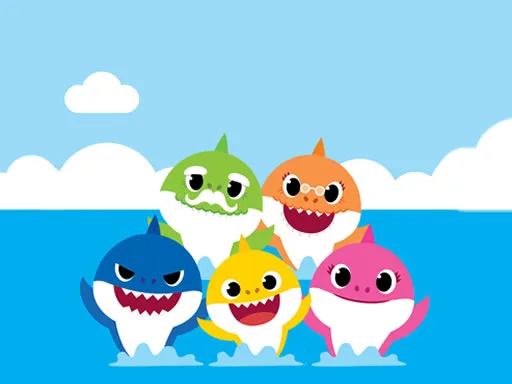
Baby Shark Coloring


Baby Shark Coloring drops you into a splash‑filled canvas where eight cute shark scenes wait for your brush. Kids and casual players alike love the fast‑paced coloring challenge. Score high by filling each picture quickly, then share the masterpiece. The game runs on HTML5, so it feels smooth on mobile, tablet, and desktop. If you crave a quick burst of fun while teaching color recognition, this puzzle‑style title is a perfect fit.
Controls are dead simple. Grab a color from the palette, tap a section of the drawing, and watch the hue lock in. The interface adapts to mouse clicks on PC and taps on touchscreens, making the experience seamless across devices.
Speed matters, but precision wins the highest scores. Start with the brightest colors to outline the shark’s body, then move to smaller details. Keep an eye on the timer—each completed picture adds bonus seconds for the next round. Mix and match the 23 available shades to avoid color clashes; a well‑planned palette reduces re‑coloring time. If you’re playing on mobile, pinch‑zoom to focus on tight spots. Save your finished artwork to brag on social feeds or revisit later for a quick color‑check.
Jump into the splash zone now. Click Baby Shark Coloring and let the hues flow. With Juegos delivering fresh, kid‑friendly puzzles every week, you’ll always have a new canvas to conquer. Dive in, color fast, and rack up the score—your next masterpiece is just a tap away.